From the first outline to the final proof: explore the workspace, writing tools, coauthor review, and publishing options. Select any image to open it at full size.
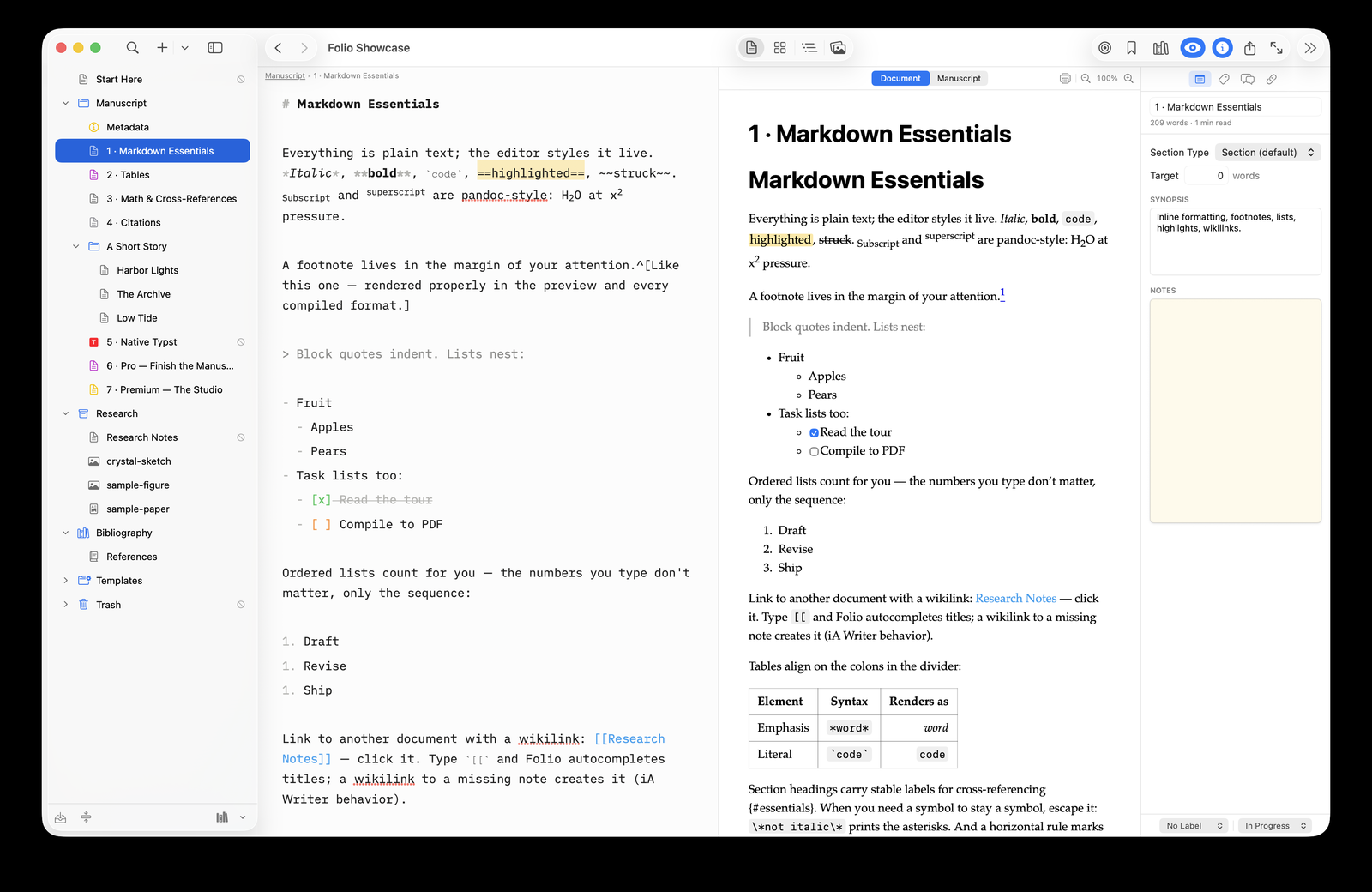
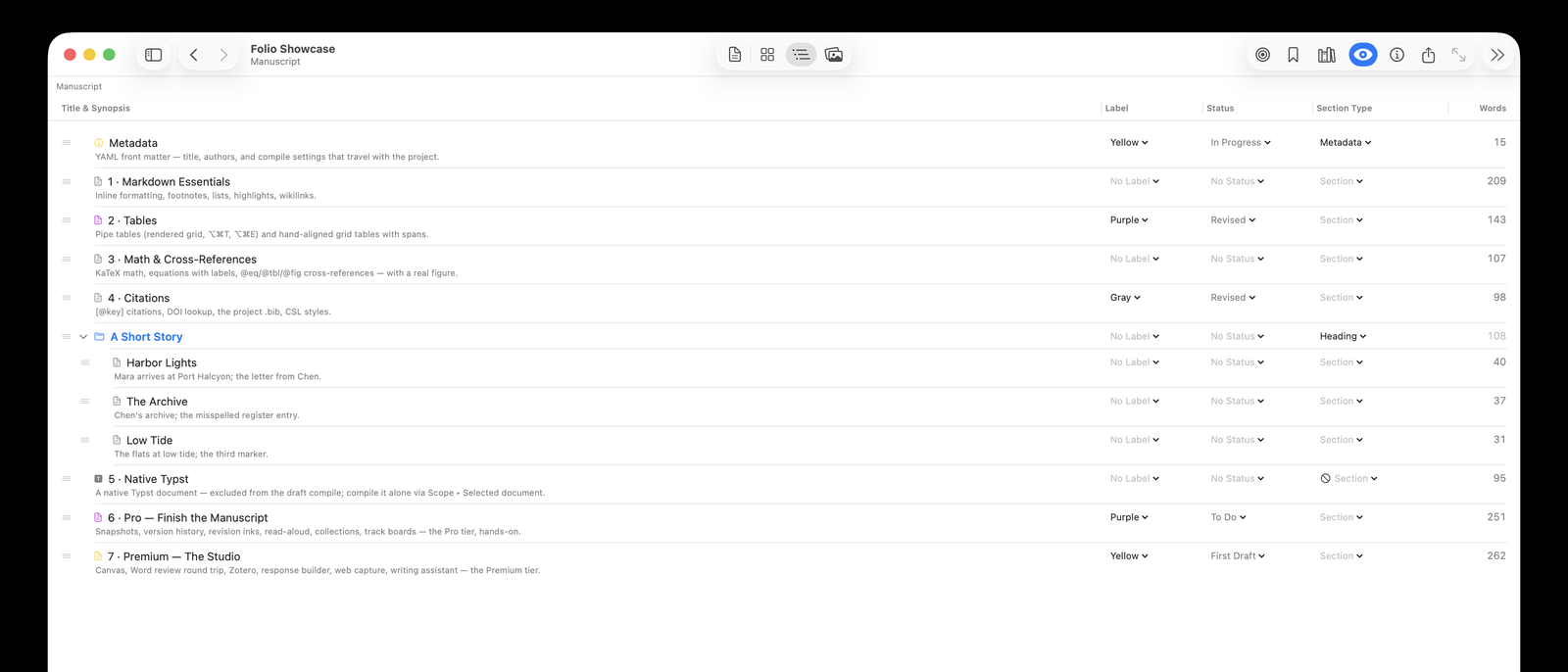
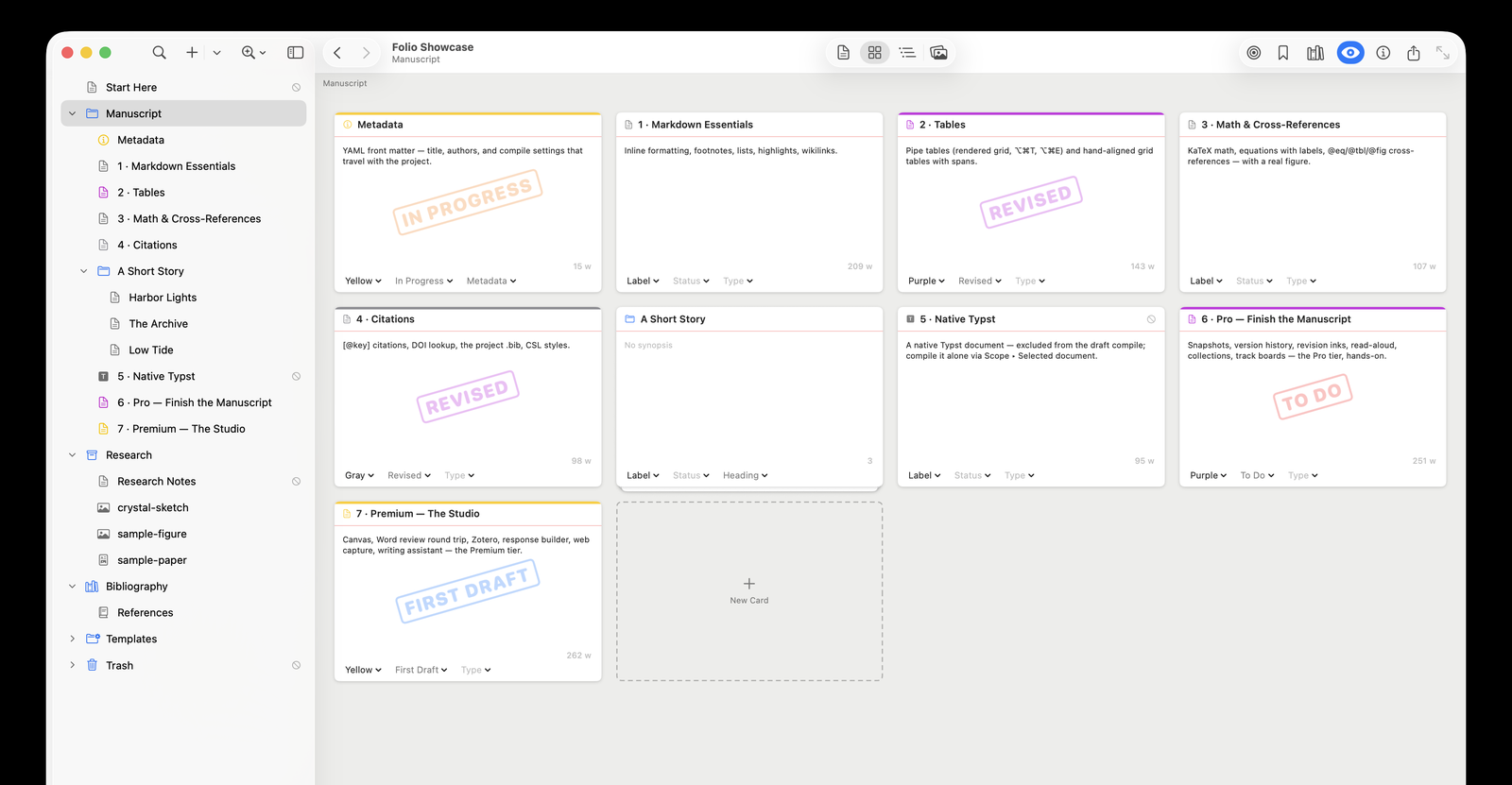
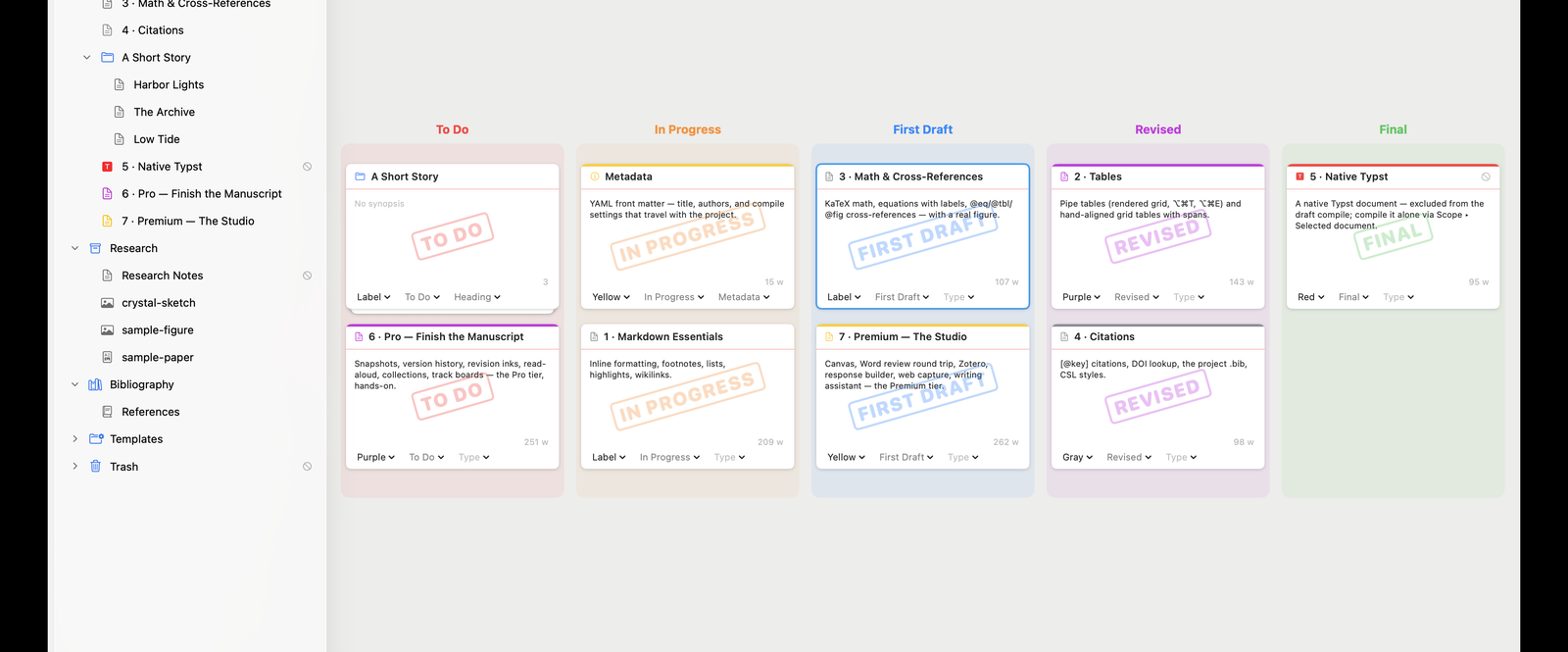
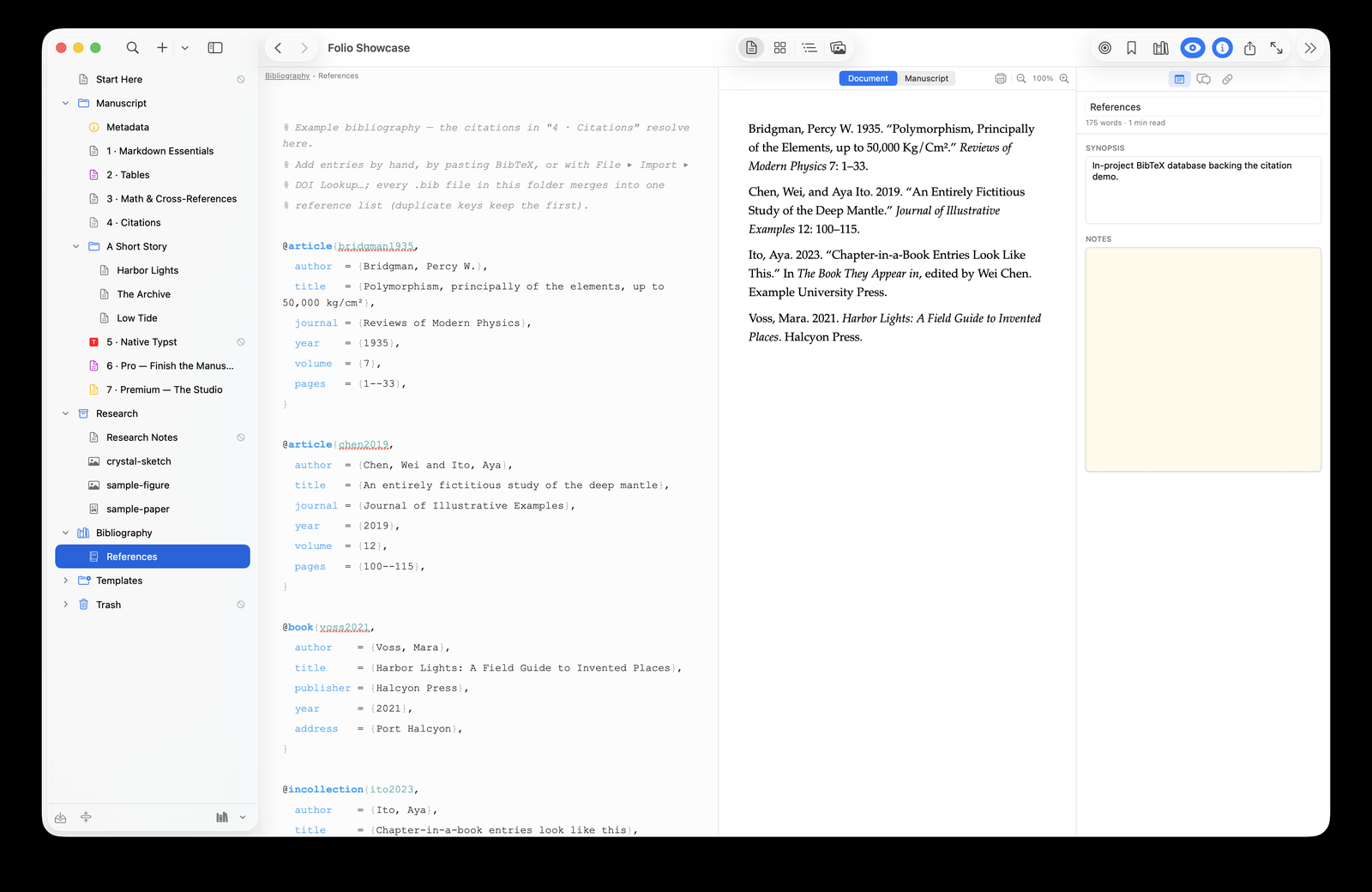
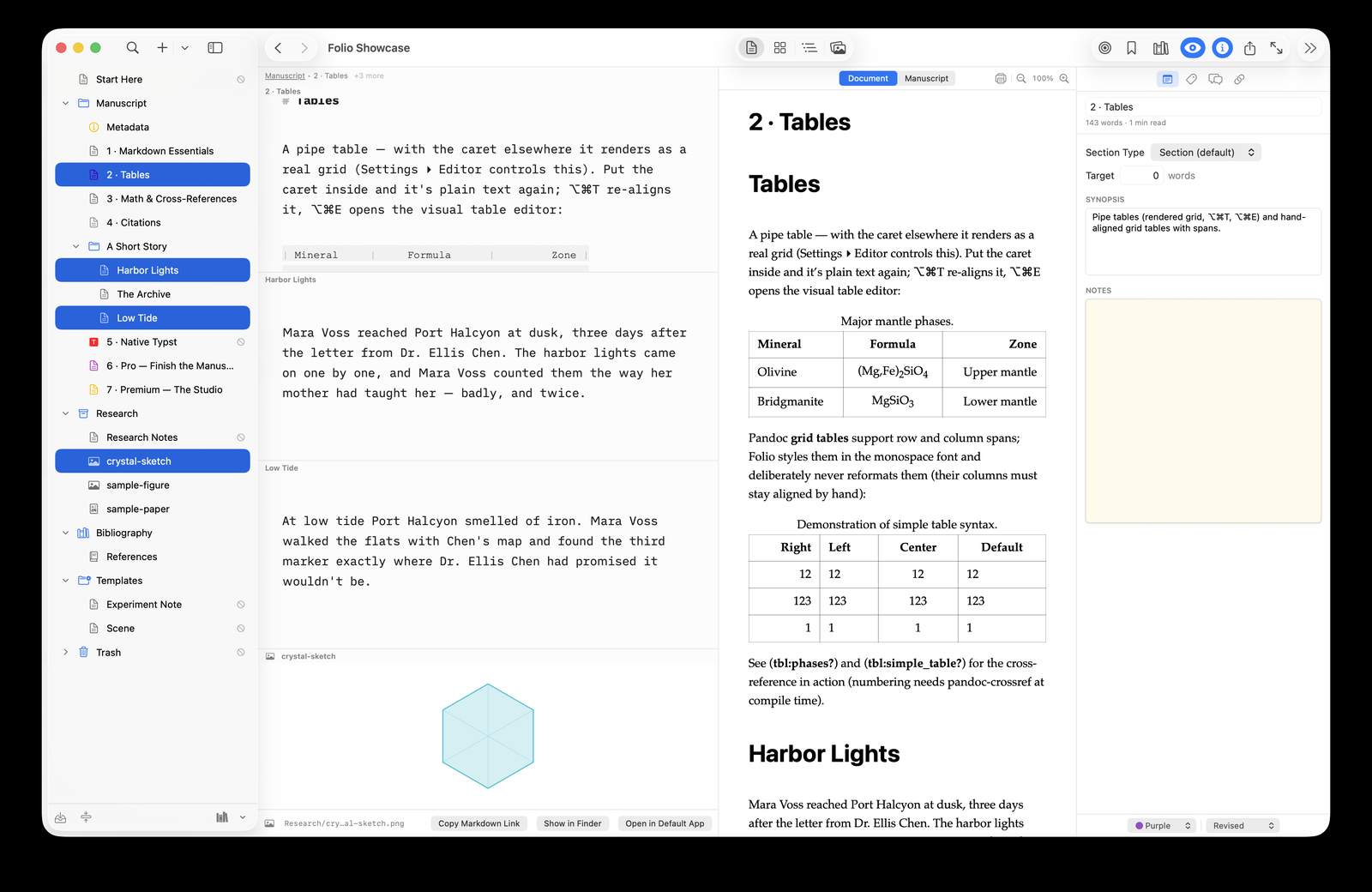
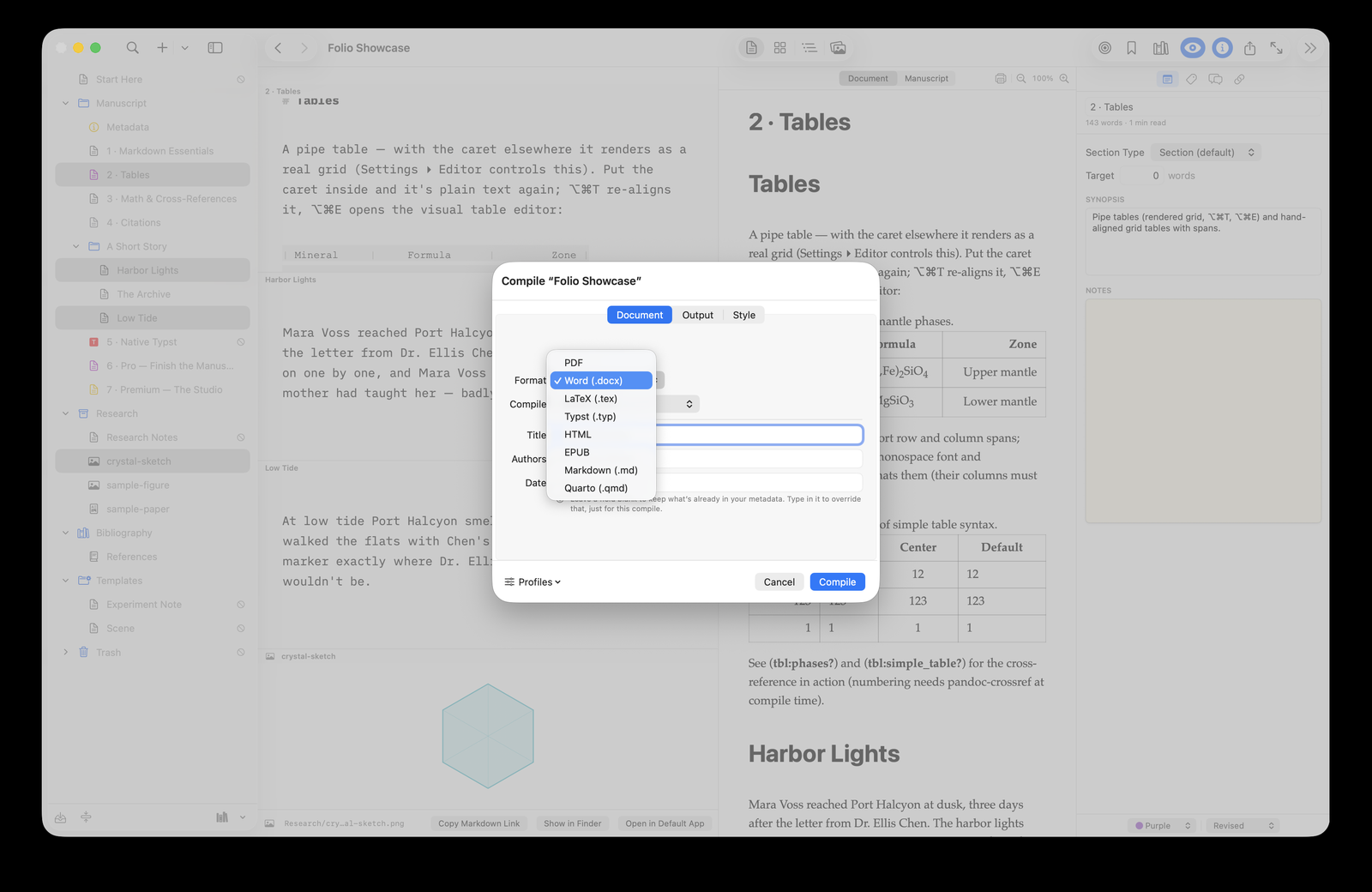
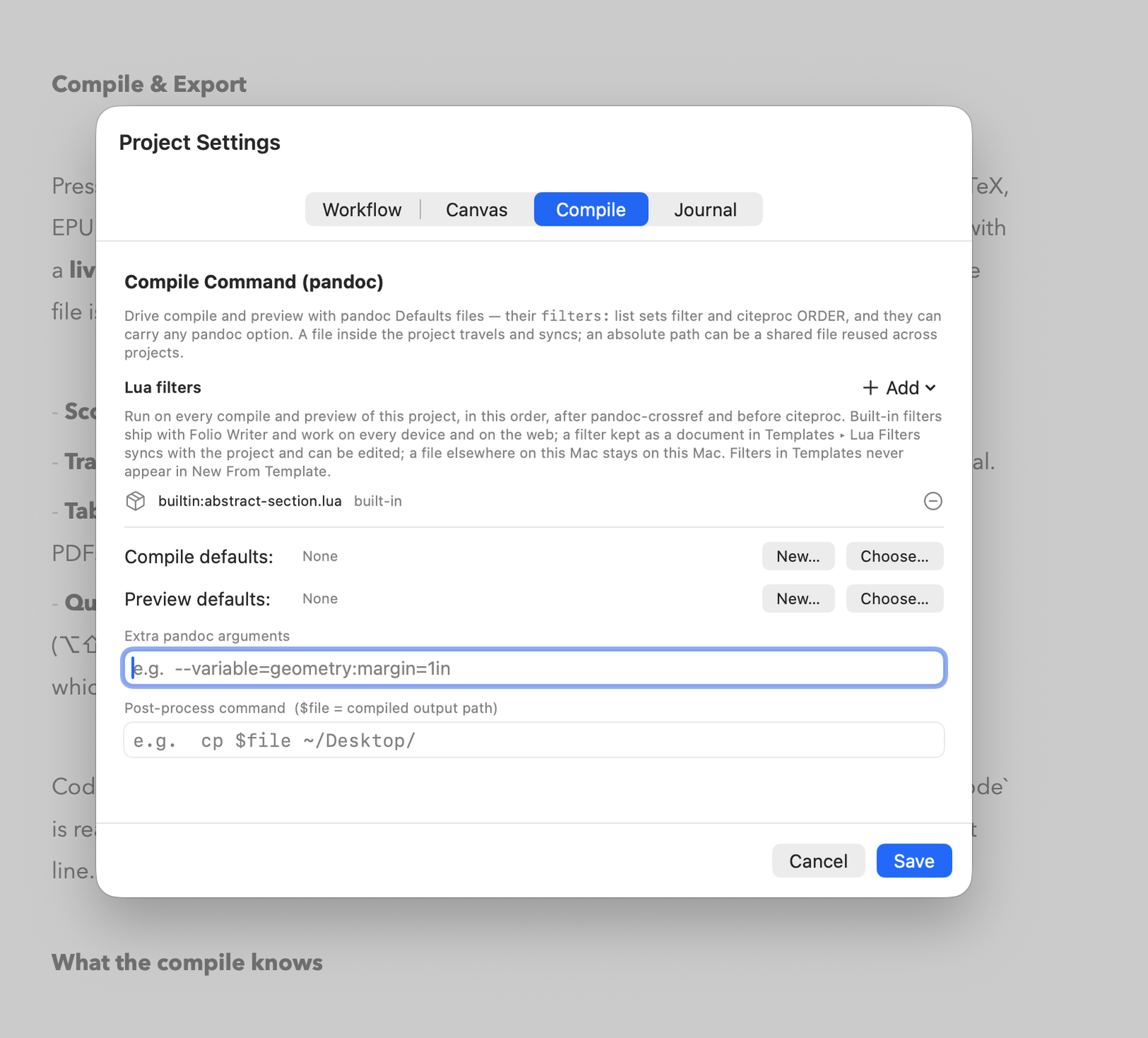
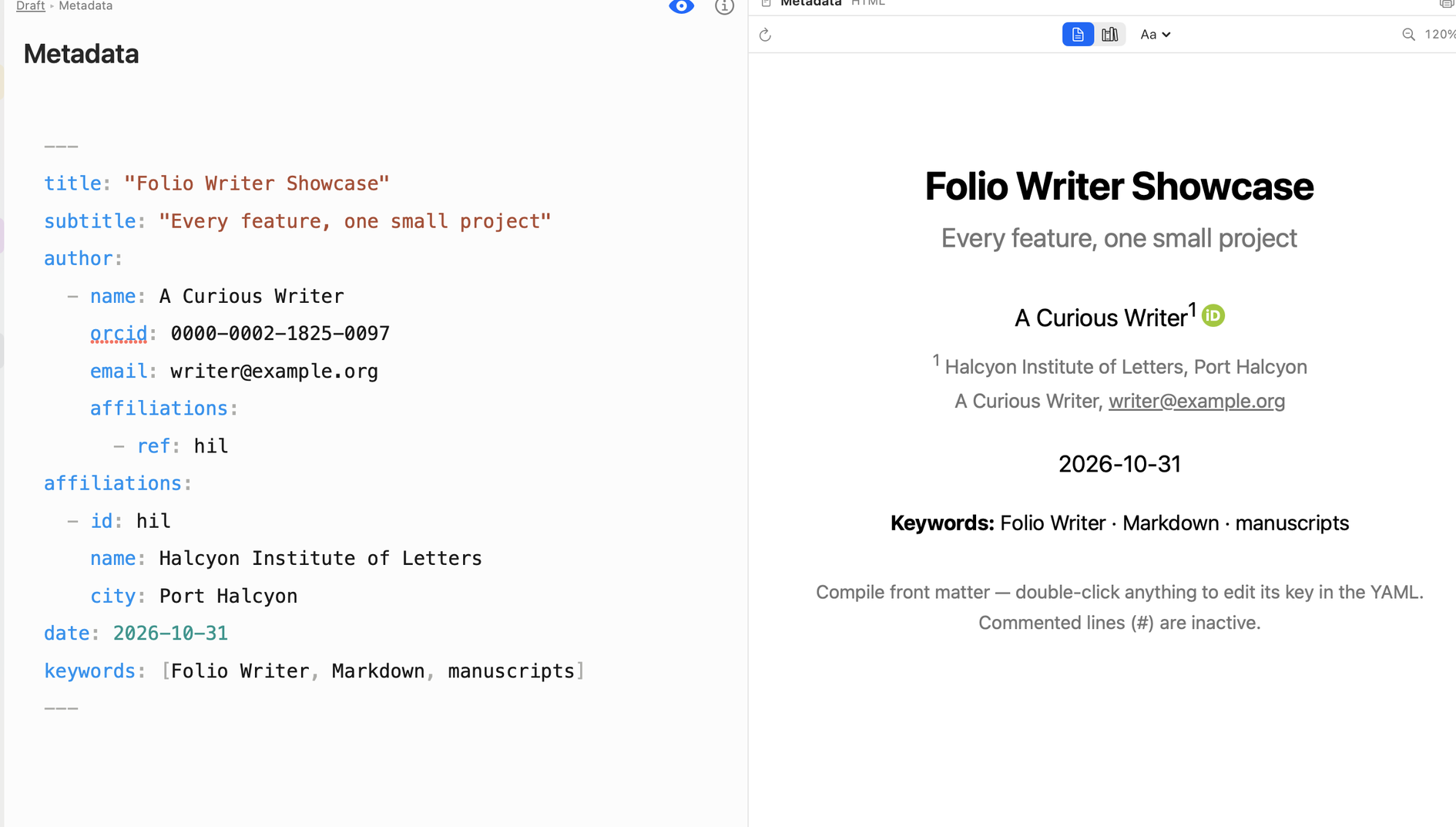
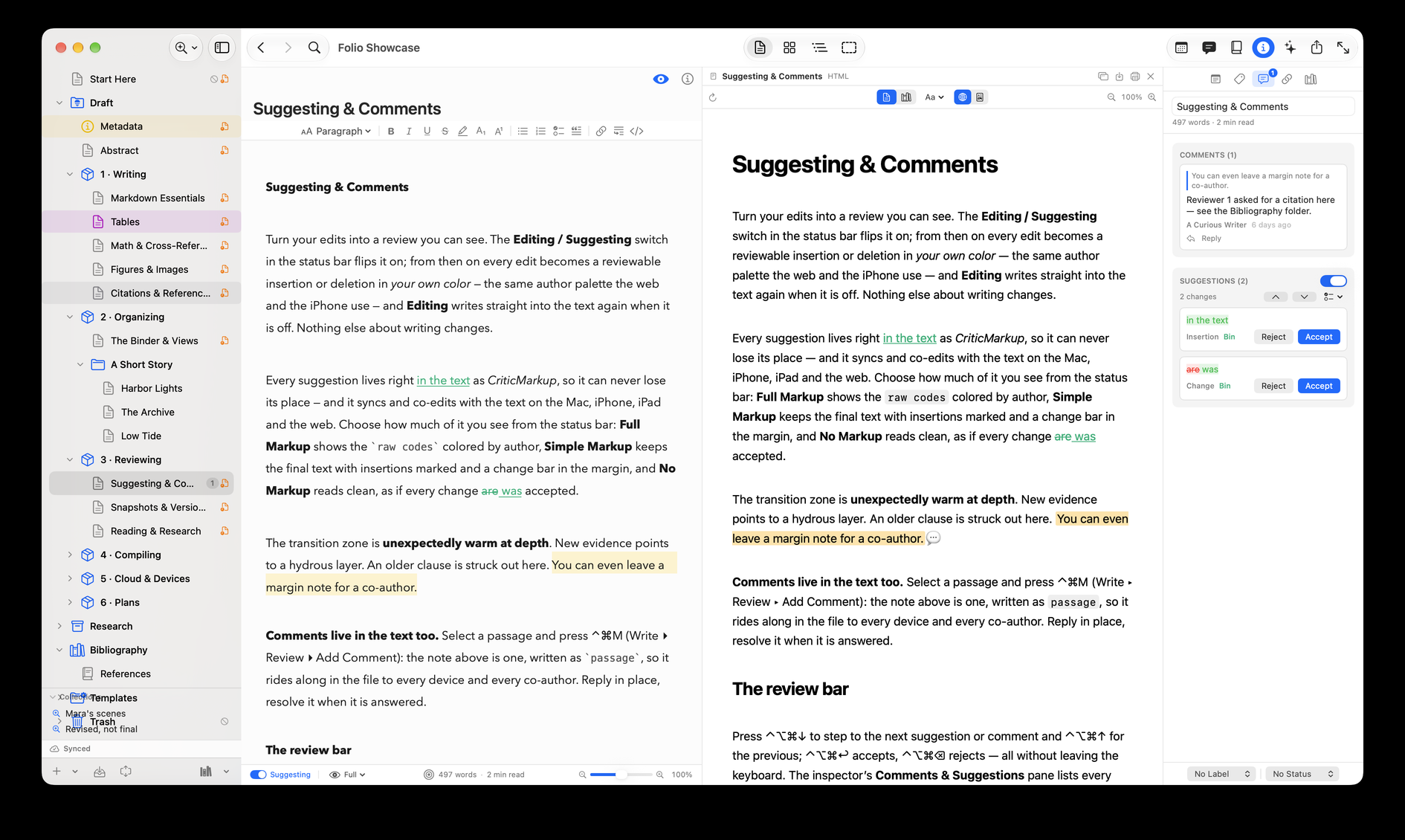
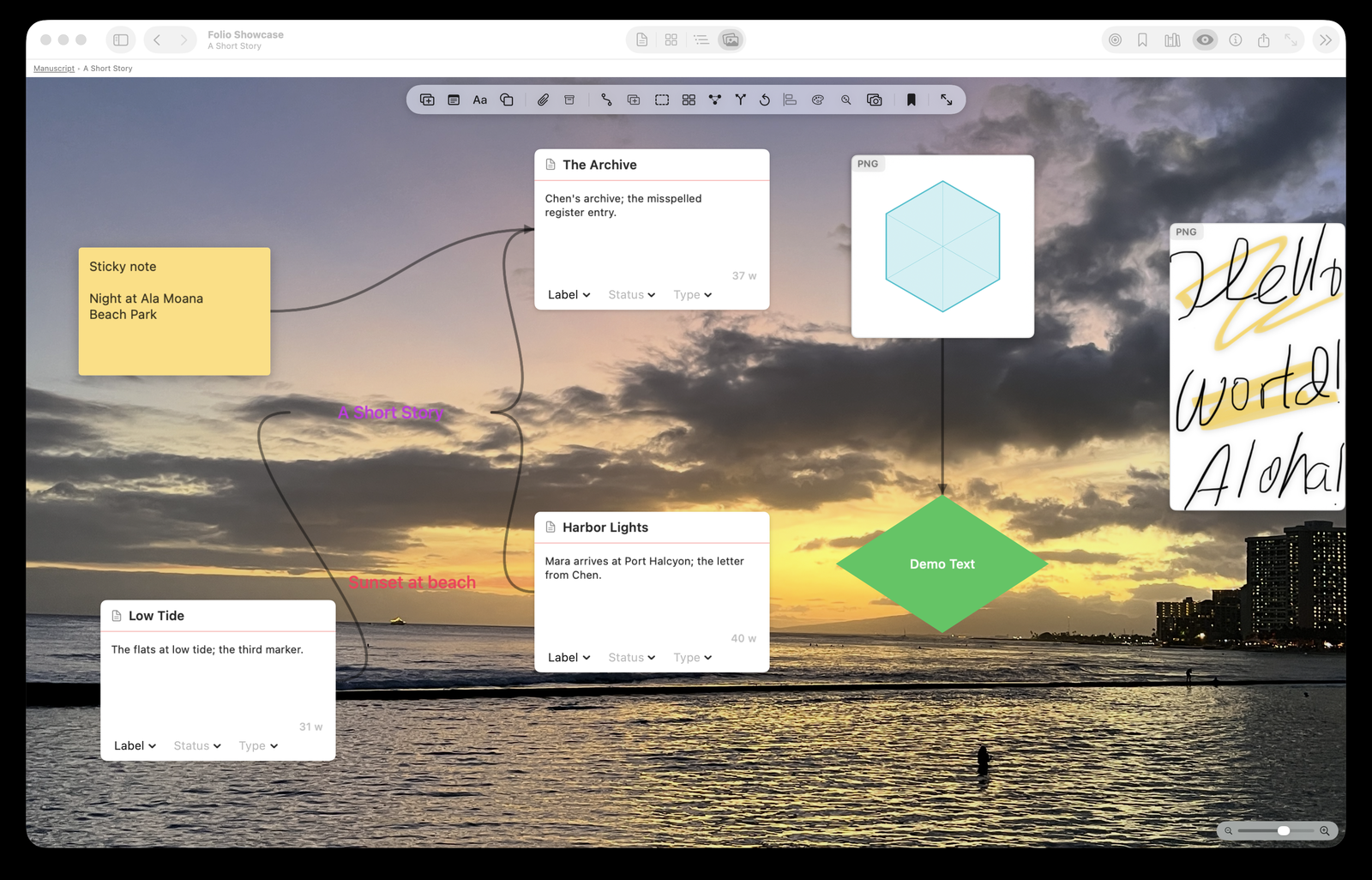
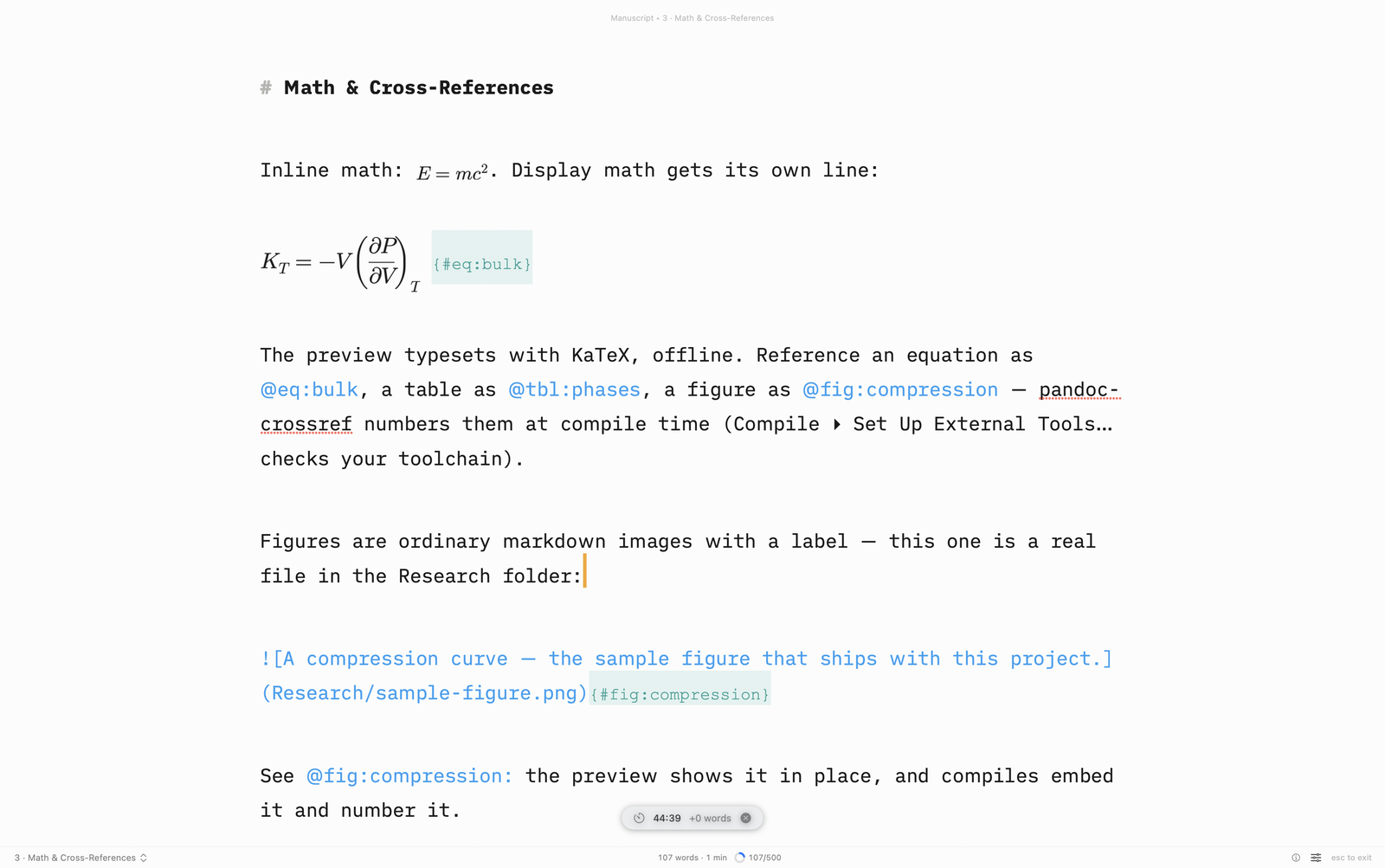
FreeEditor & live preview — Markdown, math, and citations render as you write.FreeOutline — review the whole manuscript with synopsis, status, type, and word counts.FreeCorkboard — arrange and reorder sections as index cards.PremiumBoards by status or label — group cards into columns to see what's left.FreeBibTeX citations — citation keys resolve inline and in the formatted reference list.FreeTables & math — grid tables and live KaTeX math in the editor and preview.PremiumCompile & export — PDF, Word, LaTeX, Typst, EPUB, HTML, Markdown, and Quarto.FreeProject settings & Lua filters — configure portable filters that run on every compile and preview.FreeMetadata as YAML — manage authors, affiliations, ORCID, and keywords.PremiumSuggesting & comments — make every edit reviewable; accept or reject it from the pane.PremiumFreeform canvas — map ideas with frames, cards, images, and connections.FreeComposition — focus mode, typewriter scrolling, and writing targets.
 Folio Writer